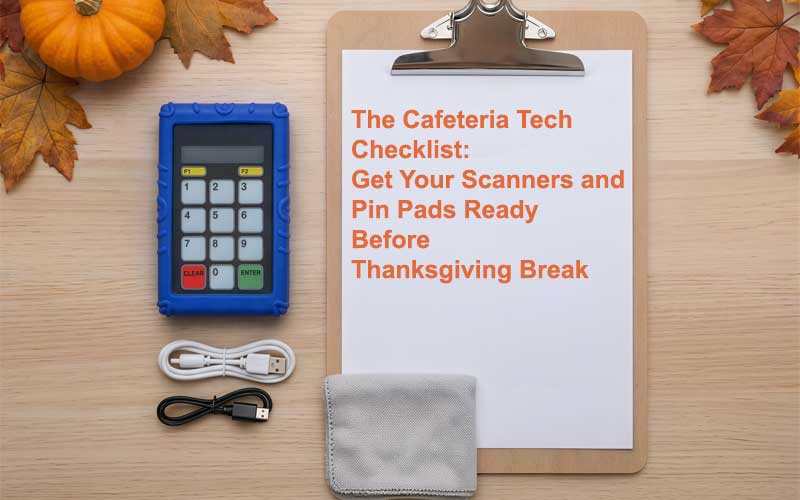
Thanksgiving break is the perfect moment to give your cafeteria equipment a little attention. A few minutes of prep now means no surprises when students line up for lunch again in December. Here is a simple checklist for school nutrition teams to follow before the break begins.
Why a Pre-Break Check Matters
Cafeteria devices work hard all semester. Scanners get dropped, pin pads collect fingerprints and crumbs, and wireless devices run low on battery. When the school closes for several days, small issues are easy to forget, then show up on the first morning back, when the line is longest and the staff is busiest.
A short checklist now helps you start the next stretch of school days with equipment that is clean, charged, and ready to go.
The Pre-Thanksgiving Checklist
- Charge wireless devices. If you use Bluetooth models such as the AlphaPad-BT and AlphaScan-BT, charge them fully and follow the charging instructions that came with your devices.
- Clean scanners and pin pads. Wipe down keypads, scan windows, and casings with a soft cloth and a disinfectant wipe suited to electronics. Avoid spraying liquid directly onto a device.
- Test every scan type you use. Scan a few student ID cards or tags to confirm that 1D barcodes, QR codes, or RFID tags read correctly.
- Check your POS connection. Confirm that each device is paired or plugged in and communicating properly with your cafeteria POS software.
- Inspect cables and protective covers. Look for frayed USB cables, loose connectors, or damaged covers, and replace anything worn.
- Store equipment safely. Put devices somewhere secure and dry. If your school powers down for the break, store them where they won’t be knocked off a counter or exposed to cold or moisture.
- Count your spares. Make sure you have a backup scanner or pin pad for each line, so a single failure never slows service.
USB or Bluetooth: Know What You Have
Different cafeterias run different setups, and a quick audit now can show what needs attention. Here is a simple way to think about it:
| Item | USB Models | Bluetooth Models |
|---|---|---|
| Before break | Check cables and ports | Charge devices fully |
| Connection check | Confirm the device is recognized by the POS | Confirm the device is paired with the POS device |
| Cleaning | Wipe casing, keypad, and scan window | Wipe casing, keypad, and scan window |
| Storage | Coil cables loosely, without tight bends | Store charged in a safe, dry spot |
AlphaTechs USA pin pads and scanner combos are available in both USB and Bluetooth versions. The Bluetooth models use Bluetooth 5.2 and work with Windows, macOS, iPads, iPhones, Android tablets and phones, Chromebooks, and Microsoft Surface.
Plan for the First Day Back
The first lunch after a break is often one of the busiest. Before you leave, leave a short note for the team with the essentials: where the devices are stored, which ones were charged, and who to contact if something isn’t working. Setting up your lines a few minutes early on the first day gives everyone time to run a quick test scan before students arrive.
Built for Busy School Cafeterias
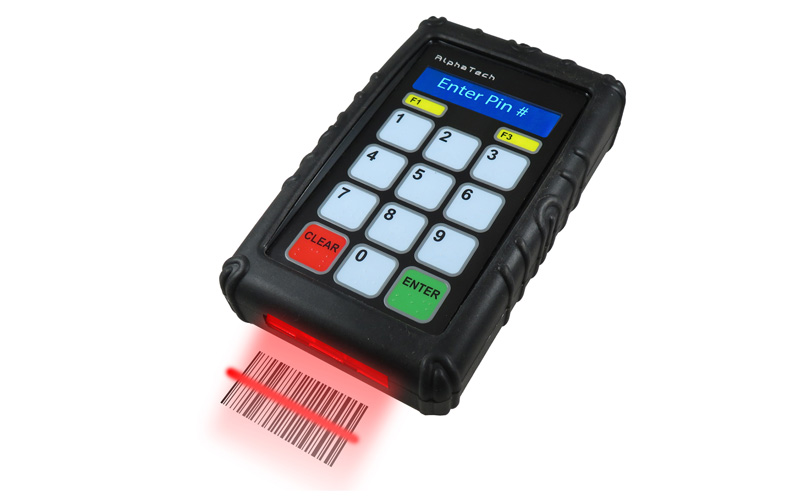
AlphaTechs USA designs pin pads and scanners specifically for K-12 cafeterias. Alphapad is our standard pinpad model. The AlphaScan combo comes in three models: AlphaScan 1D for 1D barcodes, AlphaScan QR for 1D and 2D barcodes, and AlphaScan RFID for RFID tags. The devices are compatible with all US and Canadian school cafeteria POS software, and each unit includes a protective anti-shock cover. They are FCC-approved, assembled in the US, and backed by a 3-year warranty and a price match guarantee.
If you spot a device that needs replacing or want to add a spare before the new year, visit alphatechsusa.com or call 888-778-9972 to speak with a specialist.
FAQs
Q1. How long does a pre-break equipment check take? For most cafeterias, about 10 to 15 minutes per lunch line is enough to clean devices, test a few scans, and confirm everything is connected.
Q2. Should I charge Bluetooth devices before a long break? Yes. Charging them before the break means they are ready when you return, and it gives you time to spot a device that is not holding a charge.
Q3. What is the safest way to clean a scanner or pin pad? Use a soft cloth and a disinfectant wipe suited to electronics. Do not spray liquid directly onto the device, and let it dry before use.
Q4. Will AlphaTechs USA devices work with my cafeteria POS software? AlphaTechs USA scanners and pin pads are compatible with all US and Canadian school cafeteria POS software.
Q5. Are AlphaTechs USA devices covered by a warranty? Yes. They come with a 3-year warranty and a price match guarantee.
Q6. Is it worth keeping a spare scanner or pin pad? It is a good idea. A spare lets you keep a line moving if a device fails, which matters most on busy days like the first lunch after a break.